Screen Startup and Main Menu
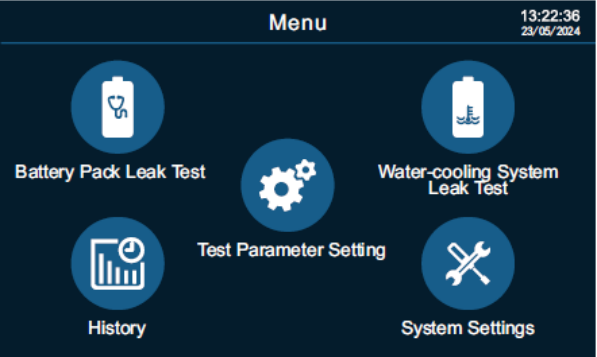
There are 5 main functions, which are battery pack leak test, water-cooling system leak test, test parameter settings, history, and system settings. Interact with the device using the touch screen.
Operation Steps
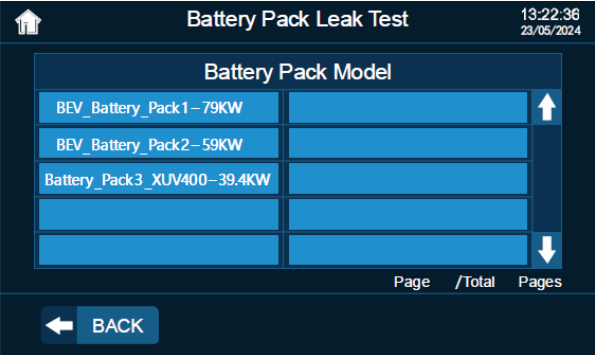
1. Click “Battery Pack Leak Test” or “Water-cooling System Leak Test” on the main menu. Enter or choose the battery pack information on the screen and click “Next”.
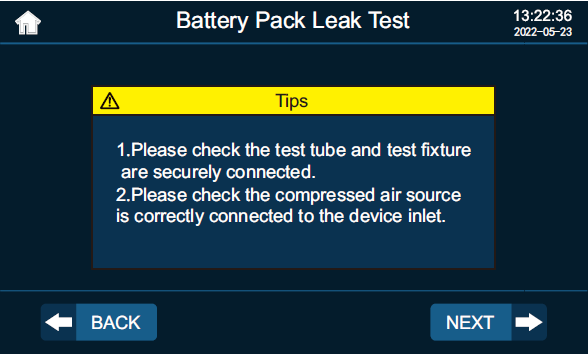
2. Tube connection
Please check the connection of the test tube, connector, and compressed air source again according to the tips and click “Next”.
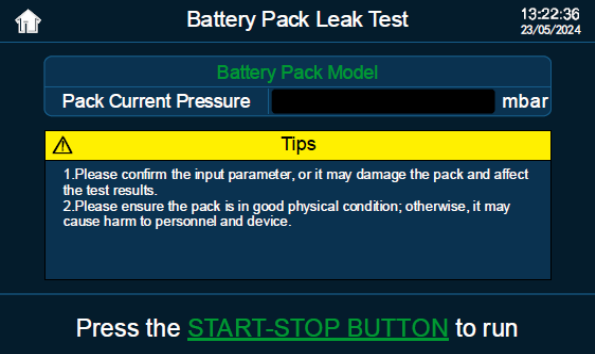
3. Start the test
Press the start and stop button and the device will run automatically.
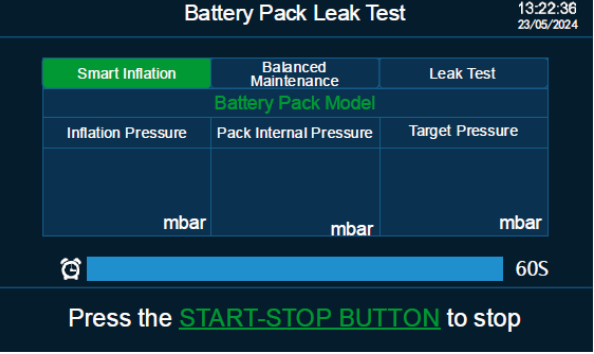
4. Test procedure
There are 3 test procedures, including quick inflation, smart inflation, balanced maintenance, and leak test.
Water-cooling System Leak Test is the same operation.
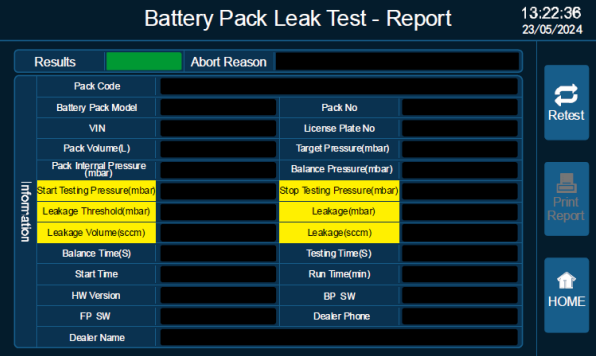
5. Check the test report, the device is automatically vented.
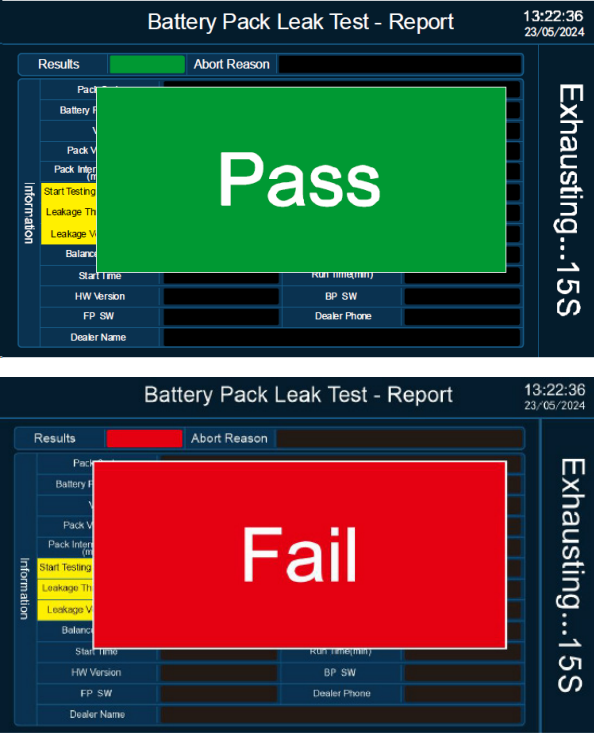
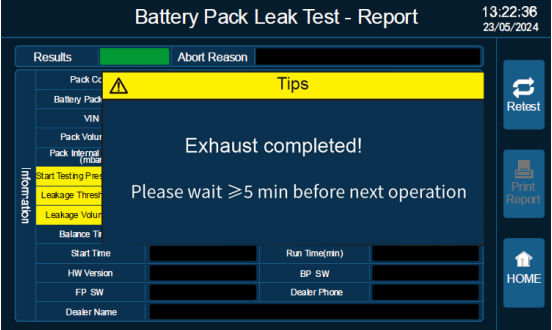
6. Exhaust completed, check the report.

Please wait for more than 5 minutes before the next test.
Before the next test, please ensure that all the air inside the pack cavity has been completely vented, otherwise, it may cause the battery pack to bulge or damage the casing.